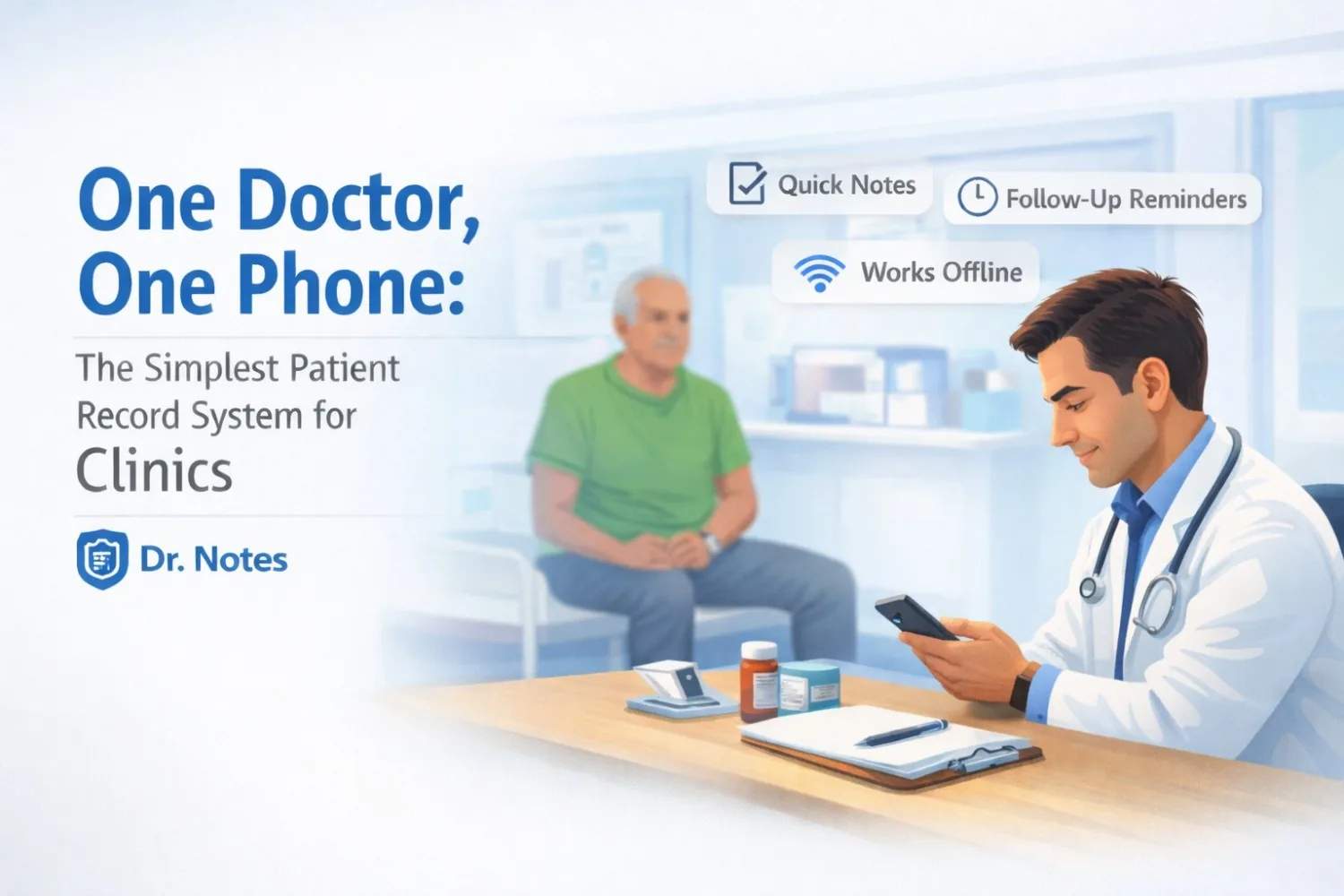
In a small clinic, speed matters more than “systems.” You don’t have a front office team doing data entry. You don’t have time to click through 10 EMR screens. You have patients waiting outside, a consultation running, and a follow-up list in your head.
That’s why the simplest workflow often works best: one doctor → one phone → one reliable place for patient notes.
And that’s exactly what Dr. Notes is built for.
The Clinic Reality: Patients Return, But the Details Don’t
In real OPD practice, most follow-ups sound like this:
- “Doctor, I took the same tablet… I forgot the name.”
- “Last time you told me to do a test… I didn’t.”
- “I felt better for a week, then it came back.”
- “My report is at home.”
- “I’m taking one BP tablet… maybe half.”
The problem isn’t medical knowledge. The problem is continuity—having the last visit details instantly available when the patient returns.
Why “One Phone” Is Enough for Most Clinics
Most small clinics need just a few things to run smoothly:
- Fast notes during consultation
- Clear past visit history (in order)
- A way to remember follow-ups (tests, review dates)
- Offline access when network is poor
- Simple documentation without extra staff
You don’t need hospital-level modules. You need a quick patient timeline you can trust.
Try Dr. Notes on Mobile
- Secure On-Device Data
- Instant Voice Notes
- Simple Patient Management


A Common Clinic Visit: BP + Sugar Follow-Up
A patient returns after 3 weeks.
He says: “BP is okay now… I stopped one tablet because I felt fine.”
In a busy clinic, the doctor needs answers quickly:
- What was his last BP?
- What medicine was given and why?
- Were there side effects?
- Was any follow-up test advised?
- What was the plan for the next visit?
Without a Clean Record
You end up re-asking everything. Or guessing based on memory. Or spending time searching paper slips and old files.
With Dr. Notes
You open the patient profile and instantly see:
- last BP reading and complaint
- medicine name + dose (from last visit)
- the advice you gave
- the next step (e.g., “BP review in 7 days”, “RBS/HbA1c”)
You update the plan in seconds and set a reminder for the next follow-up.
Result: faster consult, fewer repeat questions, safer continuity.
Typical Follow-Up Flow: Fever → Tests → Next-Day Review
A patient comes with fever for 2 days. You evaluate, prescribe symptomatic treatment, and advise:
“Do CBC + Dengue NS1 if fever continues. Come back tomorrow.”
Next day, the patient returns and says: “Fever is still there… I did some blood test, I don’t know which one.”
In a small clinic, this moment decides everything. If you don’t remember what you advised yesterday, you either waste time re-explaining or risk missing the plan.
What the Doctor Needs in 10 Seconds
- what symptoms were present yesterday
- what medicines were given
- what tests were advised and why
- what warning signs were told
- what today’s decision should depend on
With Dr. Notes, You Open the Timeline and See
Day 1
- “Fever 2 days, body ache, no breathlessness”
- “Symptomatic Rx given”
- “Advice: CBC + Dengue NS1 if fever persists, review tomorrow”
Day 2
Now you just add:
- “Fever persists”
- “CBC done (value)” / “NS1 pending”
- “Plan: continue / start / refer based on result”
You can also record a quick voice note if the OPD is crowded: “Review platelets again in 24 hours if trending down.”
And you set a reminder: “Repeat CBC tomorrow morning” / “Check report in evening.”
Result: no confusion, no repeated counselling, and a clean follow-up plan.
What Dr. Notes Gives a Small Clinic
-
Fast notes, not forms
Open → write → save. Short, practical notes that match real OPD speed. -
Clear chronological visit history
Every visit stays in order, so follow-ups feel like continuing a case—not restarting it. -
Works offline
No dependency on internet. Useful in low-network areas and during outages. -
Voice notes when OPD is crowded
When typing feels slow, record a quick voice note and review later. -
Follow-up reminders
Tests, report reviews, dressing follow-ups, BP/diabetes review dates—don’t depend on memory. -
One doctor can manage everything
No extra staff needed. No complex setup. Just a simple system that stays consistent.
Why This Beats EMR/EHR for Most Small Clinics
EMR/EHR systems are designed for hospitals: departments, billing flows, multiple roles, admin setup, internet dependency.
Clinics usually need the opposite:
- minimal clicks
- quick access
- continuity-first notes
- reliability even when the network fails
That’s why “one doctor, one phone” often works better—because it matches how clinics actually run.
The Outcome Clinics Feel
When documentation becomes easy, it actually gets done. And that changes everything:
- follow-ups become consistent
- repeat visits become faster
- fewer missed tests and reviews
- less confusion about medicines
- smoother daily OPD flow
Try Dr. Notes on Mobile
- Secure On-Device Data
- Instant Voice Notes
- Simple Patient Management
Comments