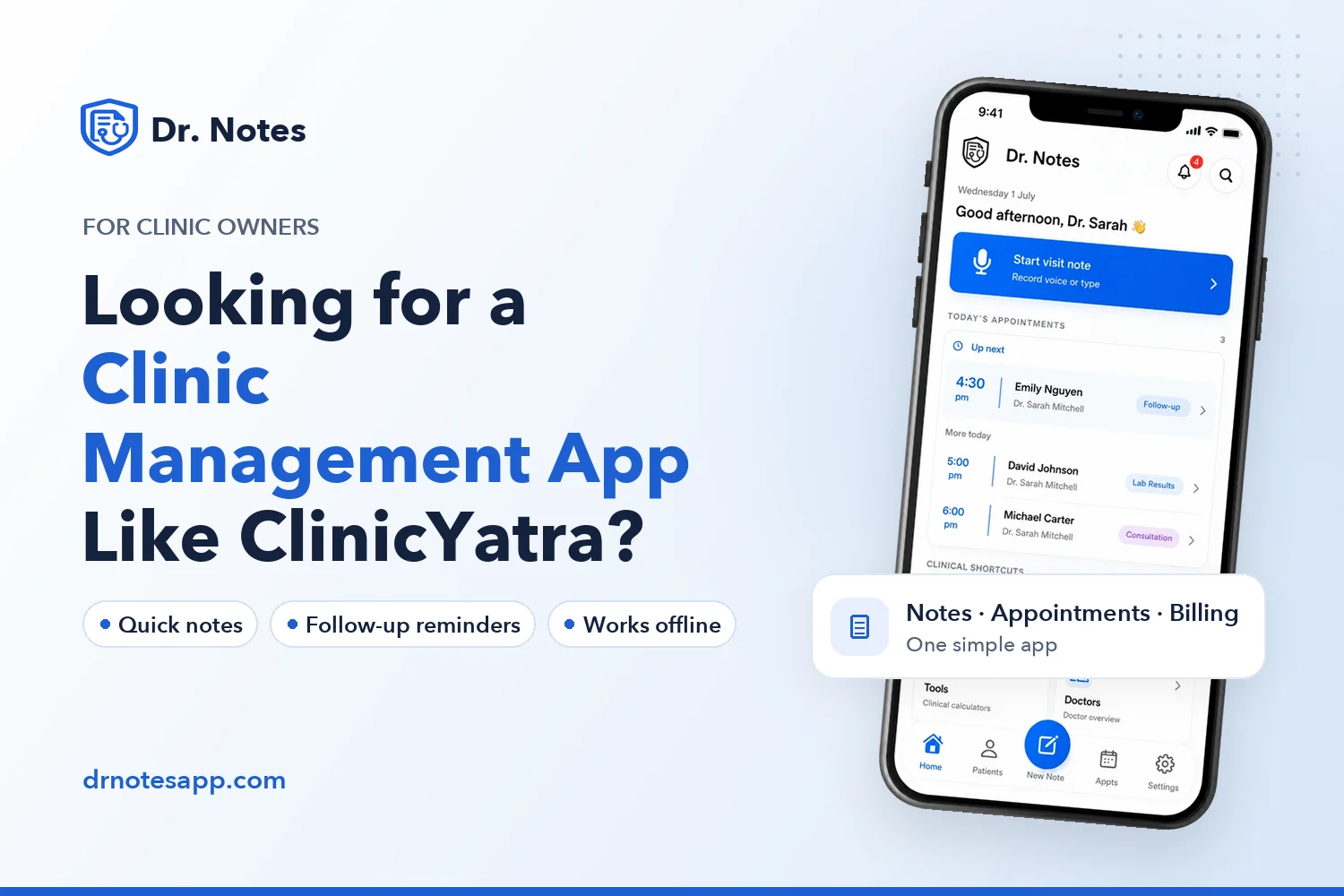
If you have been searching for ClinicYatra and you are looking for a clinic management tool that still feels active, you are not alone. A lot of small clinics and independent doctors spend time looking for a simple, reliable app to handle the daily flow of patients.
This post is for you. We will look at what most doctors actually want from a clinic app, and why Dr. Notes can be a good fit for your day-to-day practice.
What Doctors Usually Want in a Clinic App
When we talk to doctors running small and mid-size clinics, a few needs come up again and again:
- fast patient notes during a consultation
- appointment management without messy spreadsheets
- simple billing for cash and card payments
- secure patient history that they can actually trust
- something that works even when the internet is slow or down
When an app stops getting updates, even these basics start to feel risky. Notes might not sync. Reminders may stop firing. A new phone or a new OS version may break the old app. That is usually the point at which doctors start looking for an alternative.
A Modern, Actively Updated Alternative: Dr. Notes
Dr. Notes is a clinical assistant app built for small clinics, independent doctors, and visiting consultants. It is updated regularly on both the App Store and Google Play, and it is designed around how doctors actually work — quickly, and often offline.
With Dr. Notes you can:
- capture voice notes during consultations
- save and review patient visit history in one place
- schedule and track appointments without confusion
- generate simple bills and receipts
- keep all data secure on your own device
Built for Real Clinic Work
Whether you run a small clinic in a tier-2 city or a single-doctor practice in a metro, the day usually looks the same — back-to-back consultations, follow-ups, and paperwork in between.
Dr. Notes is designed for exactly that day. It avoids the heavy hospital-EMR feel and gives doctors a clean, focused tool. No browser tabs. No login dance every morning. Just open the app on your phone and get on with the clinic.
Try Dr. Notes on Mobile
- Secure On-Device Data
- Instant Voice Notes
- Simple Patient Management


What About Your Old Records?
If you used another clinic app earlier and you have older patient records, you do not have to lose them. Many doctors start fresh on Dr. Notes for new patients and gradually add older patient details as they come back for follow-up. Most clinics find that the first month is enough to fully settle in.
One Place for Notes, Appointments, and Billing
A clinic app should reduce the number of tools you juggle through the day, not add to it. Dr. Notes brings consultation notes, appointments, patient history, and billing into one place, so the work feels lighter and easier to keep track of.
That also means fewer places for things to go wrong. Less switching between apps. Less copying details from one place to another. More time for actual patient care.
Try Dr. Notes Today
If you have been searching for a replacement clinic app, the easiest next step is to install Dr. Notes on your phone and try it for a few days of real clinic work. You can decide within the first week whether it fits your practice.
Try Dr. Notes on Mobile
- Secure On-Device Data
- Instant Voice Notes
- Simple Patient Management
Comments
Have a question, or a way you handle this in your own practice? Share it below.